How to advance a show without learning the hard way: what to confirm with the venue before the date, the show day it protects hour by hour, and where the advance lives in The Artist Blueprint.
The van pulls in at 4:15 for a 4:00 load-in, and the band thinks that is fine, because the email said "afternoon". There is no bass amp, because the band assumed the venue had backline and the venue assumed the band was bringing one. The drummer's plus-one is not on the list. At midnight the settlement sheet has a line nobody discussed: a cut of the merch.
Every one of those problems was fixable a week earlier with one email. That email is the advance, and knowing how to advance a show is the least glamorous skill in live music and one of the most valuable. Advancing a show means confirming every logistic of the date with the venue or promoter before you arrive: times, gear, people and money.
What an advance covers
The advance is a conversation, usually with the venue's production manager and whoever booked you, that ends with one sheet everyone agrees on. Send it a week or more before the date, earlier for festivals and bigger rooms, and attach your stage plot and input list so the engineer can plan before you walk in. If those details live in one person's inbox, you have the scattered tools problem in its most expensive form.
Below is the show day an advance protects, hour by hour. The times are an example; yours come out of the advance itself.
3:00 p.m. Load-in
Confirm the exact time, which door, where the van parks and how long you have to unload. "Afternoon" is not a time, and a late load-in eats straight into soundcheck.
4:30 p.m. Soundcheck
Confirm in writing what backline the house provides, and send the stage plot and input list ahead. Then soundcheck is about the mix instead of a hunt for a missing amp or DI box.
6:00 p.m. Hospitality and the room
Dressing room, food or a meal buyout, drink tickets, Wi-Fi, and where merch sets up. Small things, but they decide whether the band plays hungry and whether the merch table ends up behind a pillar.
7:00 p.m. Doors and the guest list
Agree how many guests you get and when the list is due at the door. Send full names the way they appear on an ID, with plus-ones counted.
9:15 p.m. Your set
Confirm set time, set length and curfew. If the room has a hard curfew, build the set list to fit it, with one song you can cut if the openers run long.
11:30 p.m. Settlement
Confirm the deal in writing before the night: a flat guarantee, a split of the door, or a guarantee versus a percentage of the door, whichever pays more, plus any terms the venue applies to merch. Then settlement is arithmetic rather than a negotiation at midnight.
It is the same process a stadium tour runs, just with bigger numbers and more people copied on the email.
How to advance a show inside The Artist Blueprint
The screenshots below come from the demo account's sample show and tour campaigns, so every name and number is sample data.
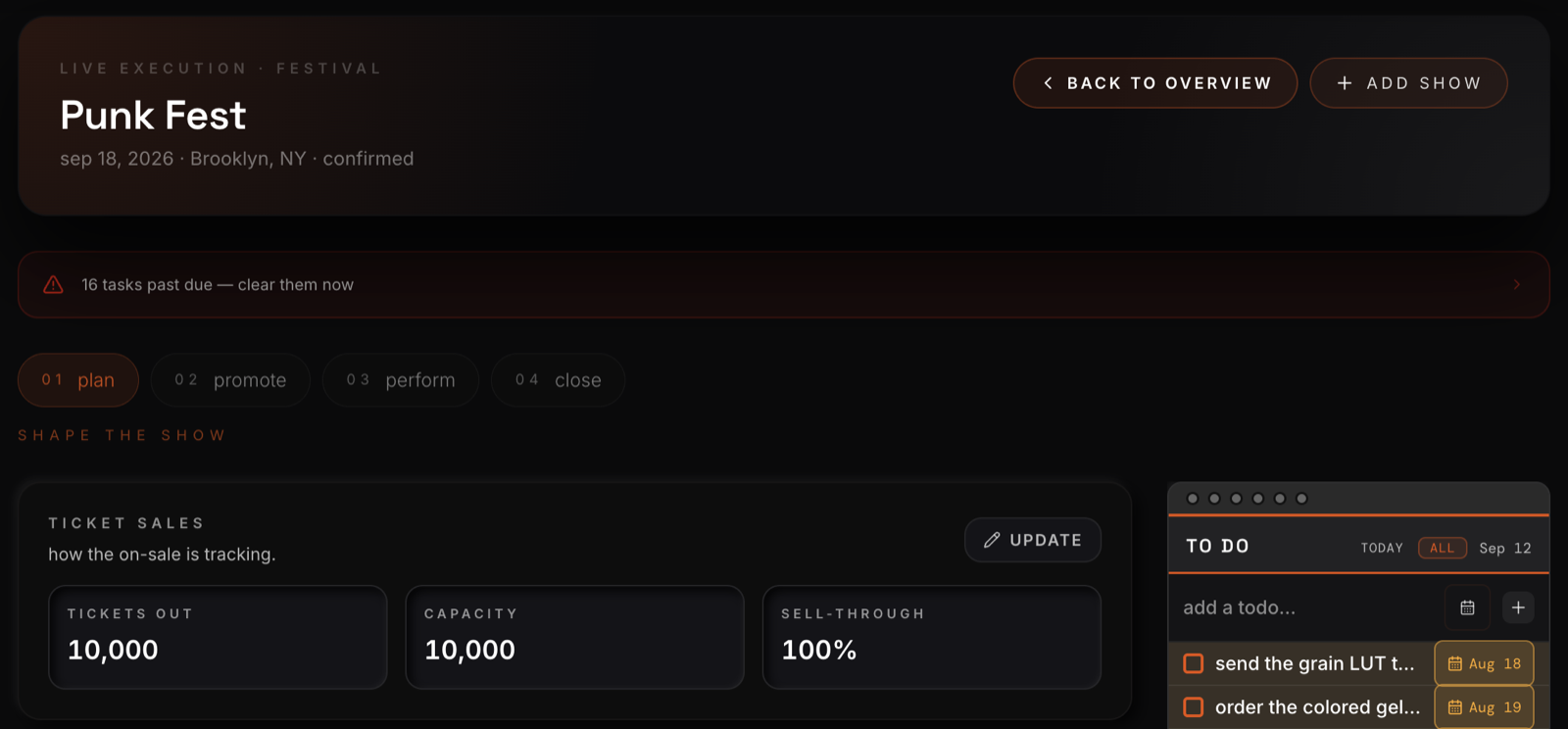
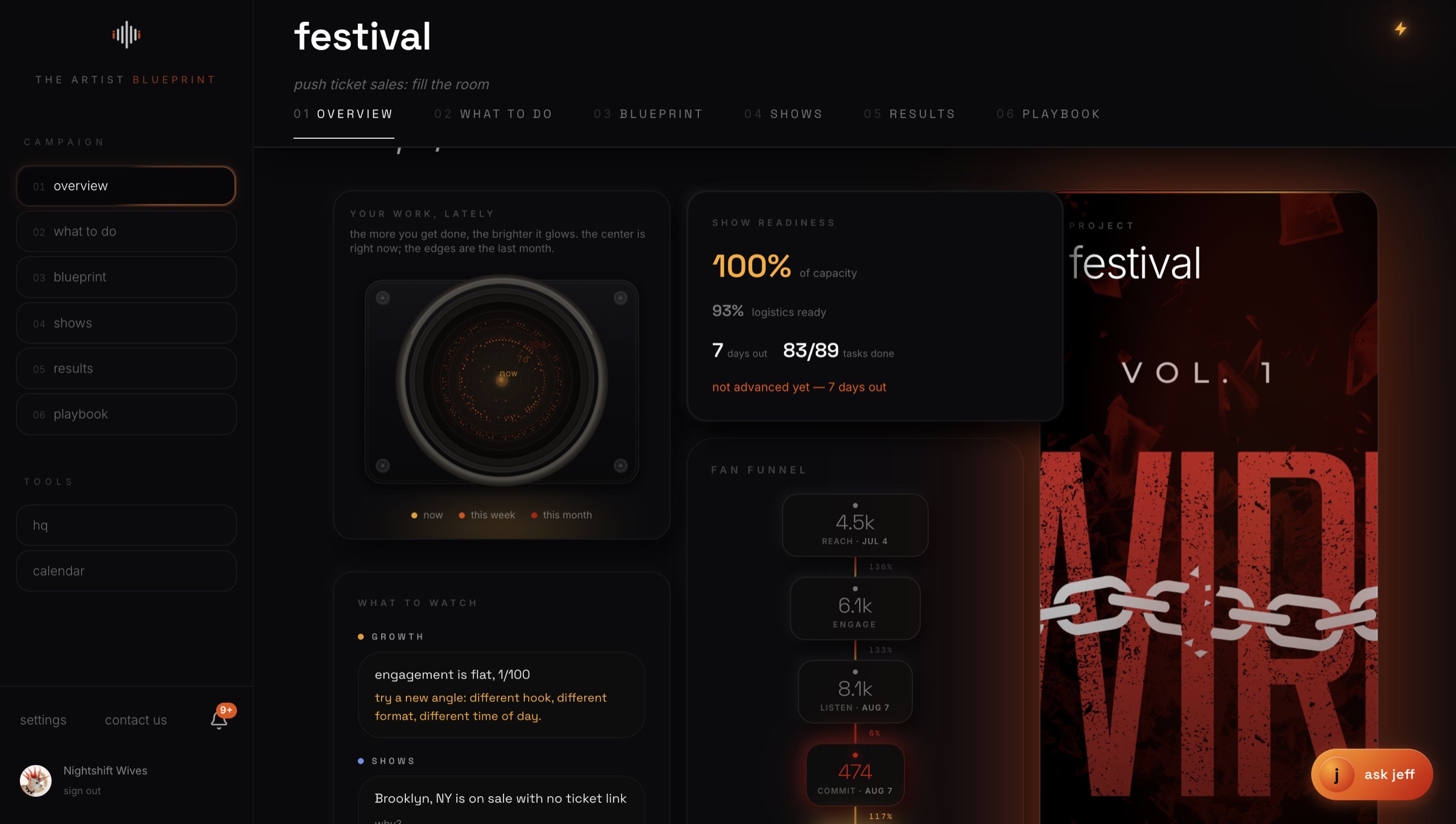
In a live performance campaign, each date gets its own plan, organized in four stages: plan, promote, perform and close. Ticket sales tracks tickets out against capacity and sell-through, and a card called The show on paper takes whatever you know about projected revenue and costs and works out net and break-even. A budget tracker keeps the real costs against that plan as the bills come in. The campaign's Overview tab flags a show that has not been advanced as the date gets close.
Every show, and every stop on a tour, also gets a public page to promote it. It syncs your Ticketmaster link, takes any other links you want to add, lets fans sign up, and gives directions to the venue. Publish it, then share it straight to your socials.
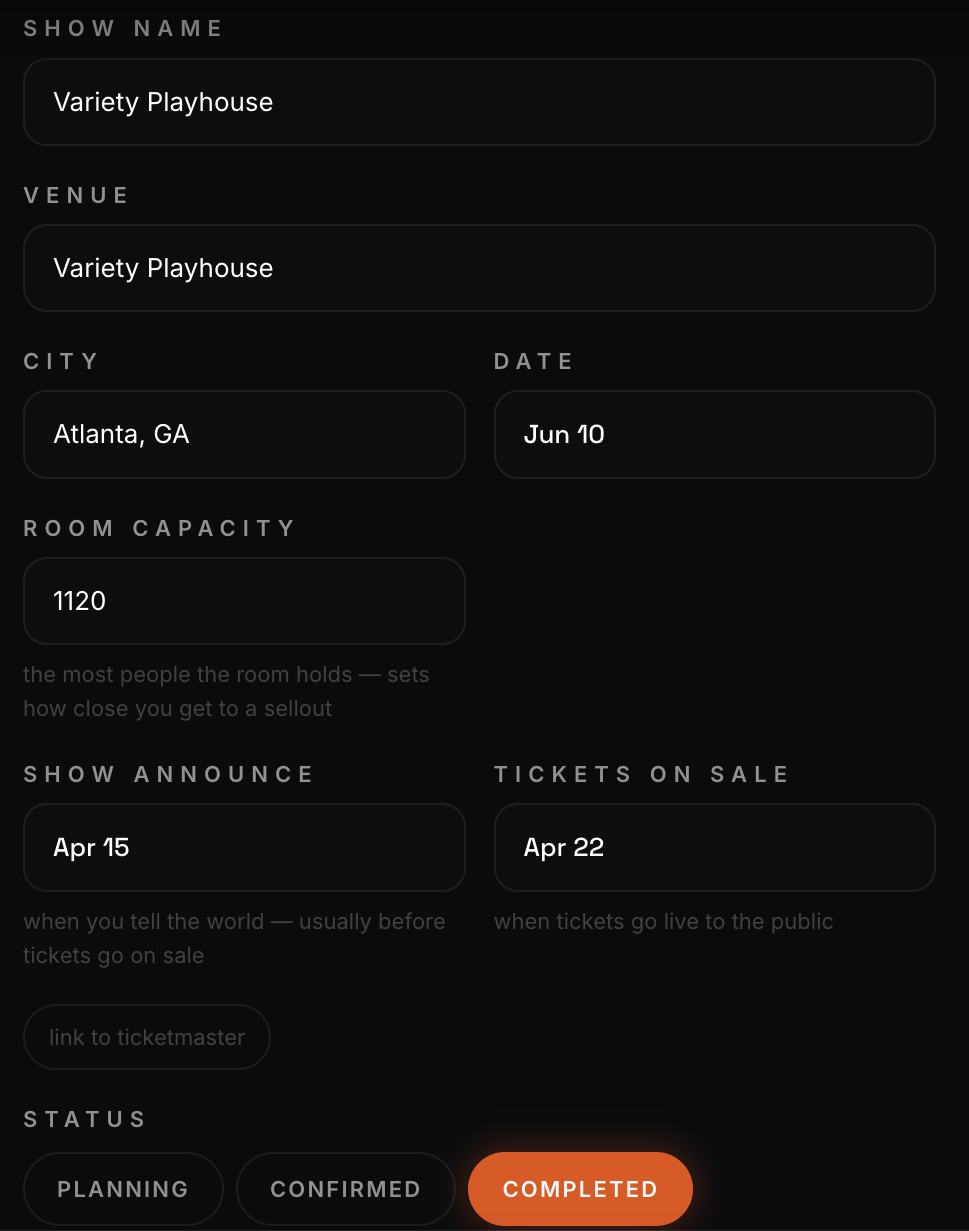
On a tour, each stop holds the basics your advance starts from: venue, city, date, room capacity, when the show is announced, when tickets go on sale, a ticket link, and a status of planning, confirmed or completed.
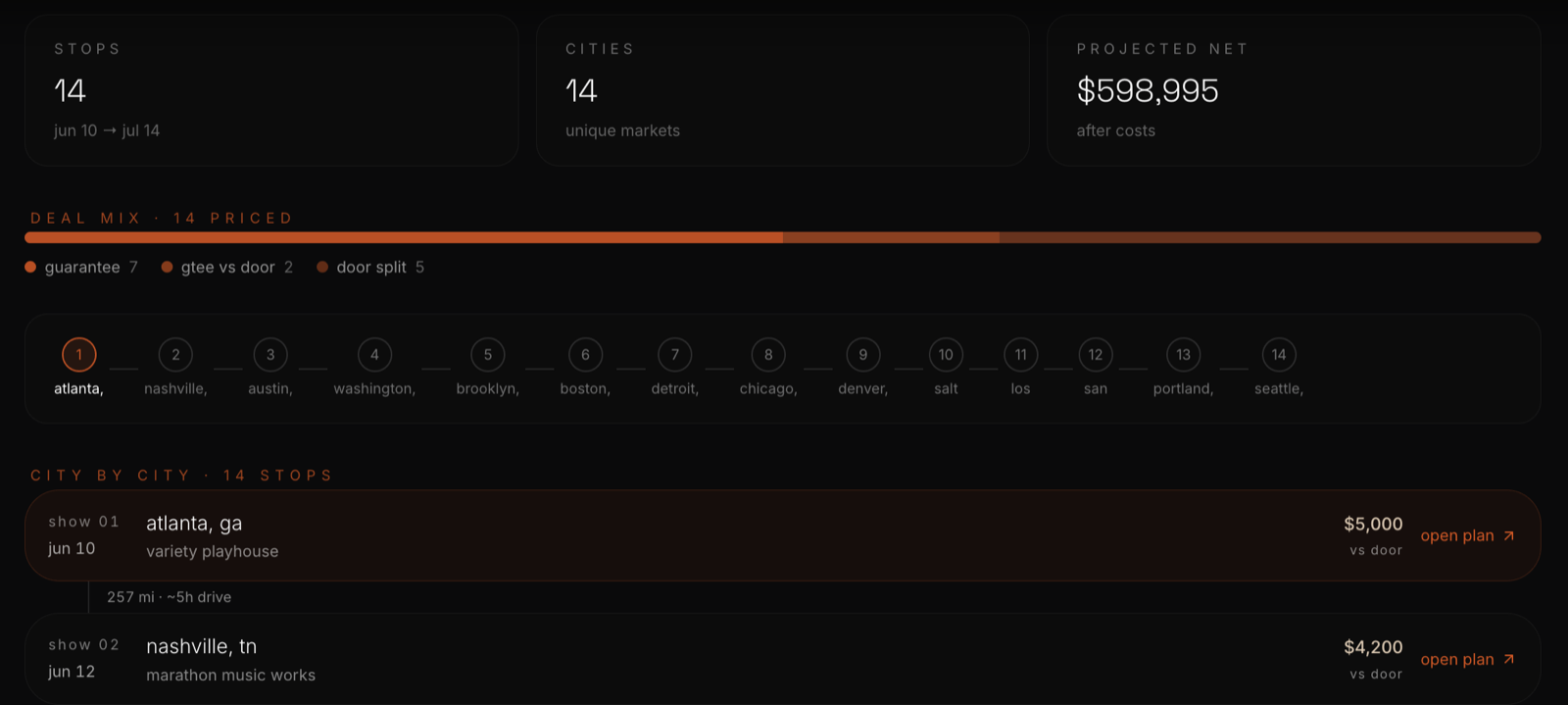
The route view adds up the whole run: stops, cities, projected net after costs, and the mix of deals across guarantees, guarantees versus the door, and door splits, with a note when two cities are too far apart to drive between shows.
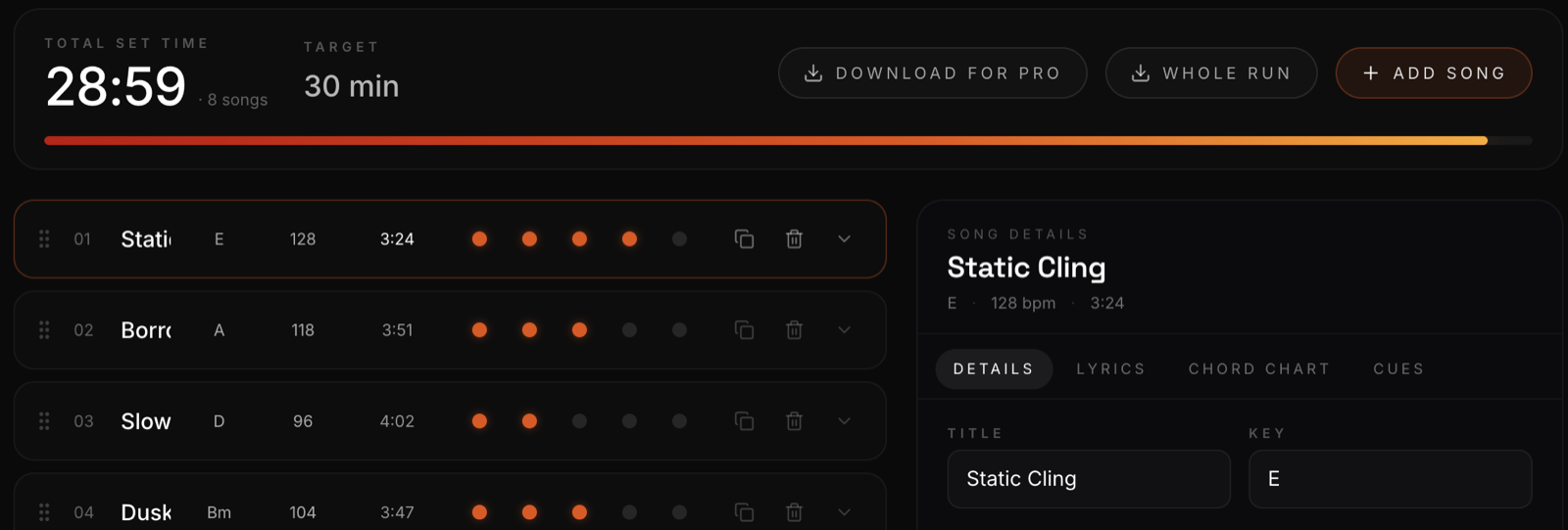
For the perform stage, the setlist builder totals your set time against a target length, with key, tempo and energy for each song, which makes cutting to a curfew a quick decision.
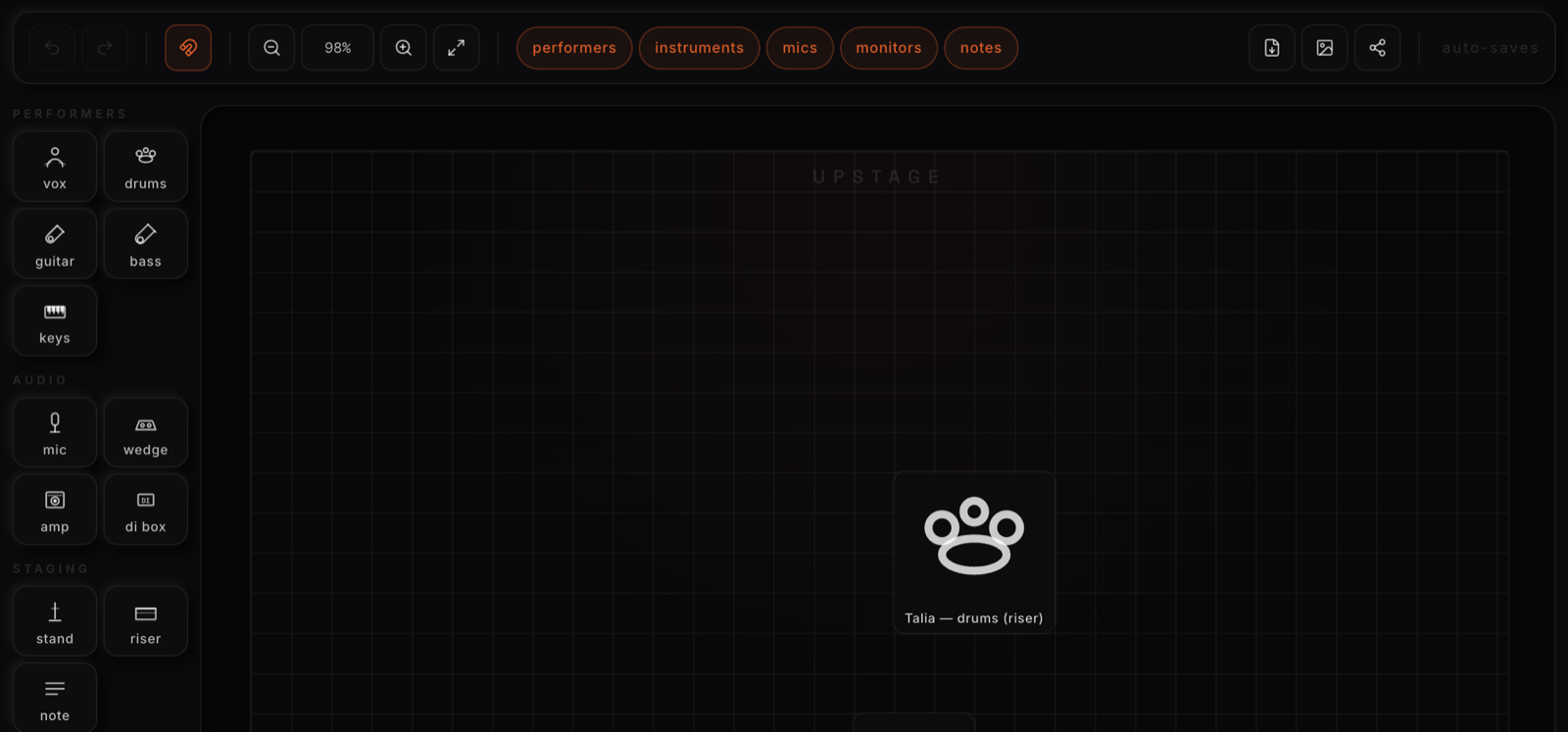
The stage plot editor lets you place performers, instruments, mics, monitors and risers on a stage, and it is built to be sent to the venue, the engineer and your crew before load-in. On a tour you build one for each stop.
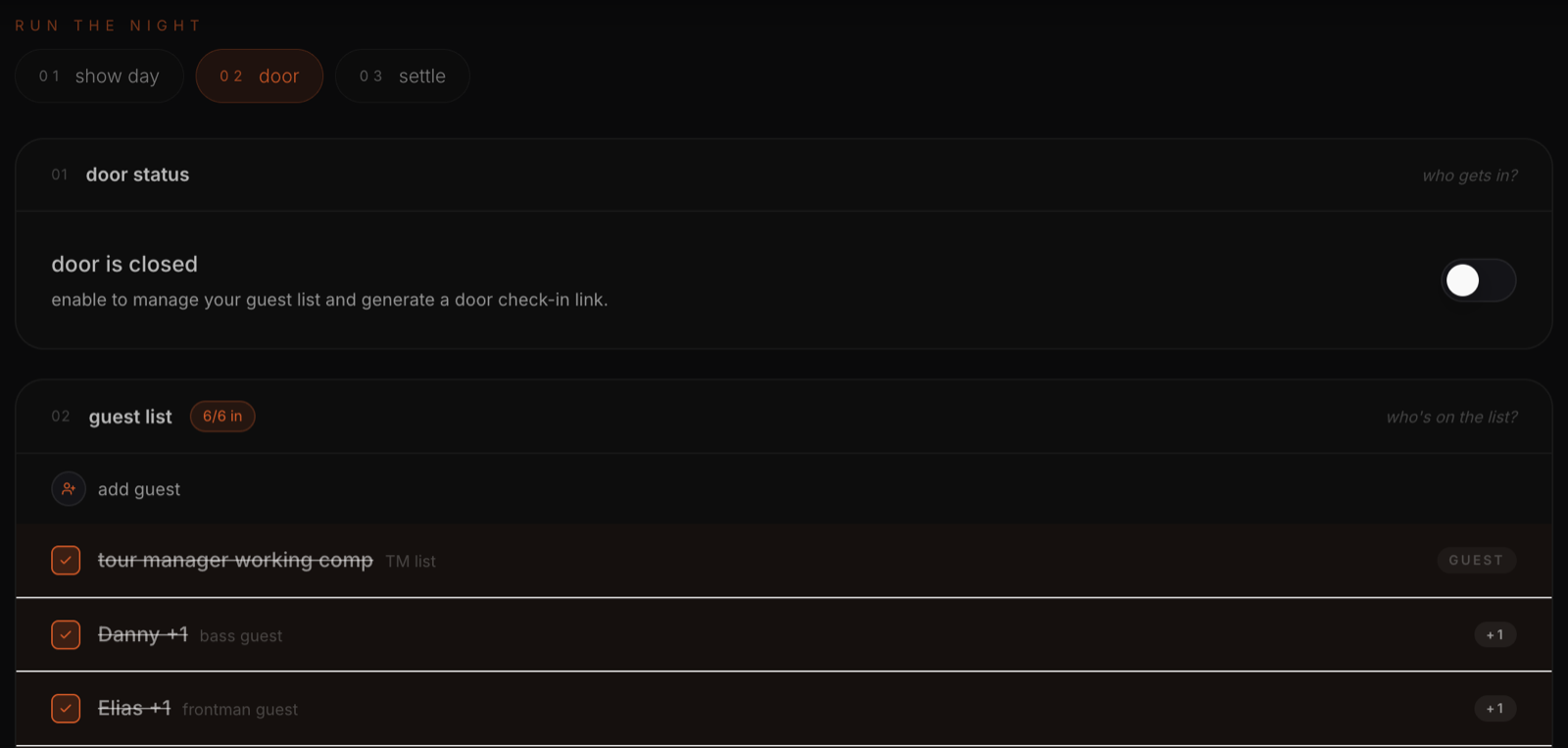
On the night, Run the night covers show day, door and settle. The door stays closed until you switch it on, which lets you manage the guest list and generates a door check-in link, and the guest list counts who is in, plus-ones included. That live door link is how you keep track of the VIP list through the night and while you close out the show.
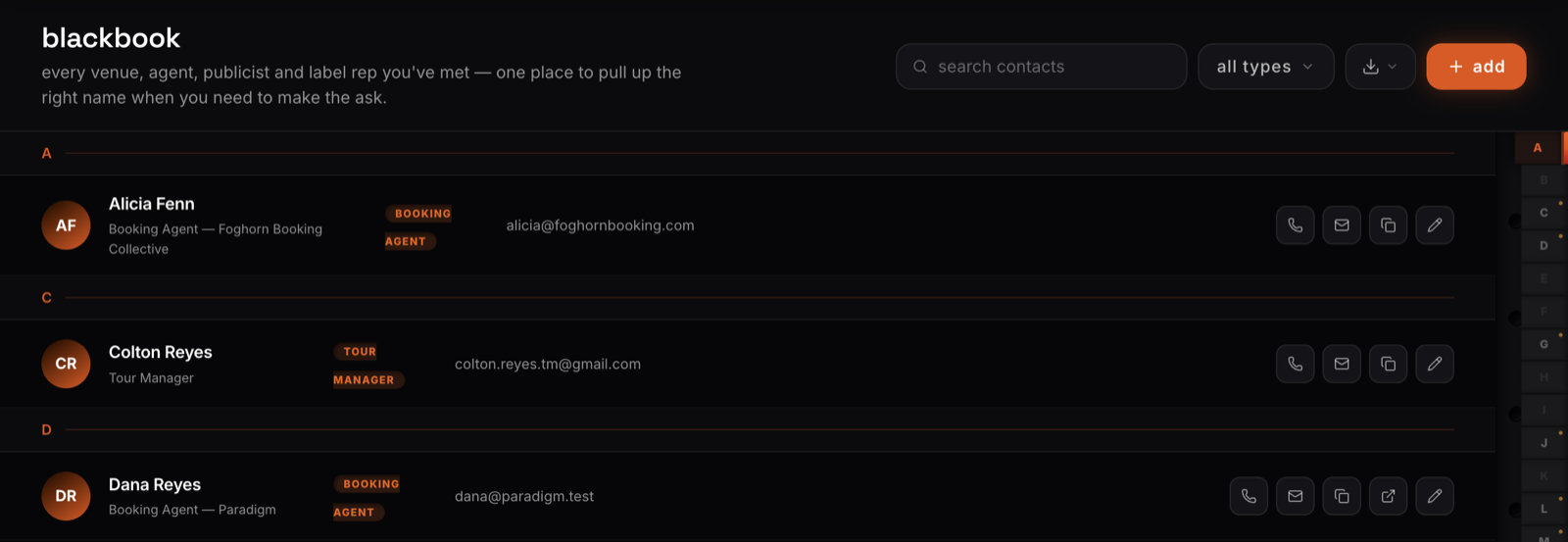
And the people you advance with live in Blackbook, inside HQ: every venue, agent, publicist and label rep in one place, so the production manager's number is not buried in last year's email.
The best shows look effortless from the floor. That ease was typed into an email a week earlier.
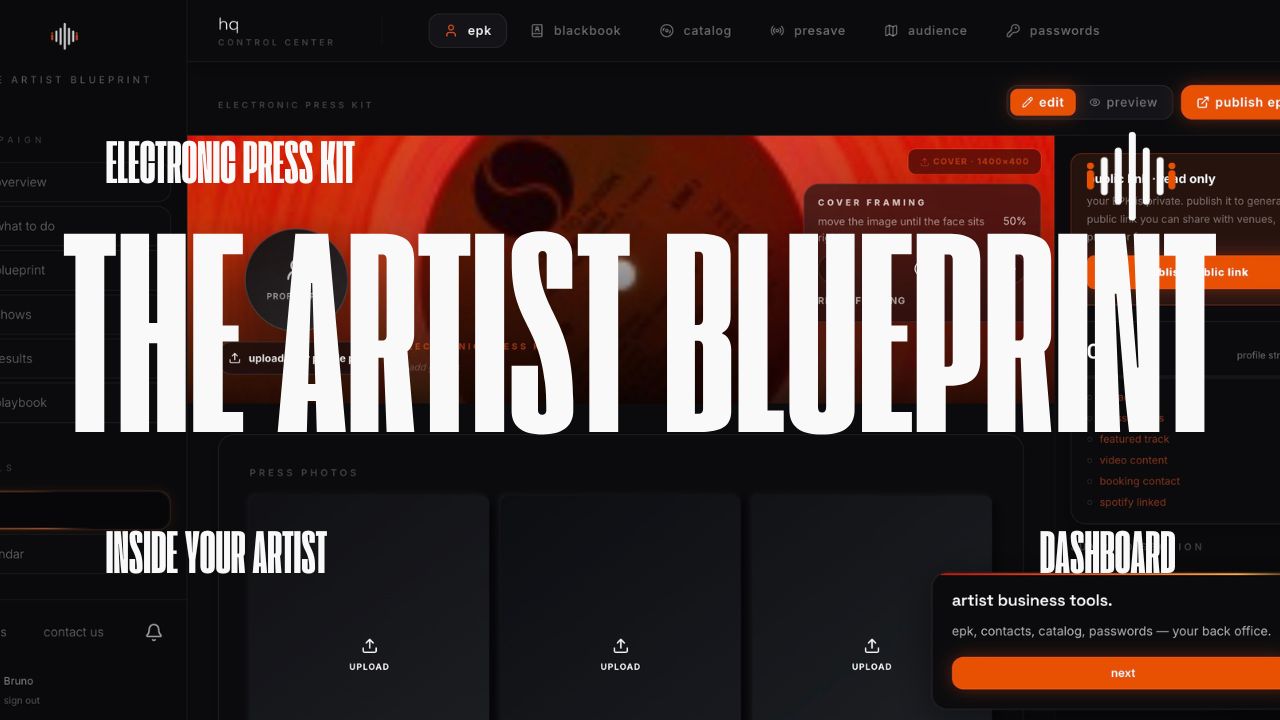
Read next: The Artist Blueprint Dashboard, Screen by Screen →
Playing shows and ready for more ears? Submit your music →
Working on something bigger than one release?
We build and run campaigns for artists and brands — testing a single, rolling out an album, taking a tour global. Same team from brief to launch.
Comments